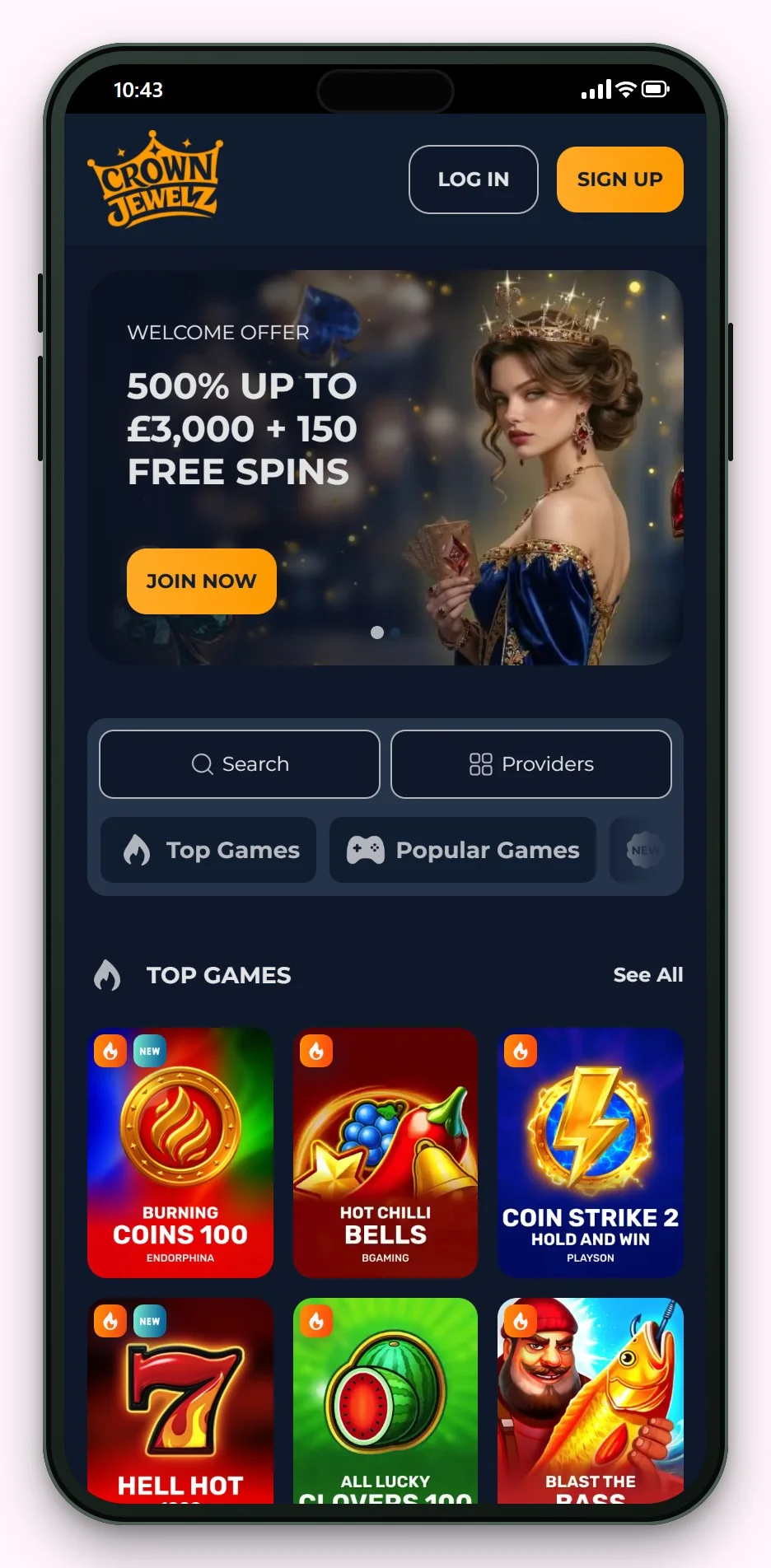
Forgetting a password is inconvenient, but trying to solve an account-access problem by opening another account can create a larger issue. The available sign-in process uses an email address and password, with a recovery route that sends a code to the registered email address. Before attempting recovering a Crowngreen password, check that the account belongs to you, that you can access the correct inbox, and that the service currently accepts users in your location. The published information contains market-specific differences, so live terms and account controls remain important.
Start by confirming which account details matter
The sign-in interface is described as requiring two pieces of information: the email address registered to the account and its password. That means password recovery depends first on identifying the correct email address. If you use several inboxes, search each one for earlier account messages, but avoid sending repeated recovery requests until you are confident you have found the right address. A forgotten email address is a different problem from a forgotten password.
Before entering details, check that you are using the official sign-in environment rather than a link received unexpectedly by email or social media. Look at the browser address bar, avoid sharing your password or recovery code, and do not save credentials on a shared device. If the page behaves unusually, close it and reach the service through a trusted bookmark or by typing the known address yourself.

Account information is expected to be accurate, and the published terms restrict use to one account per person. They also prohibit account sharing, third-party deposits and fraudulent activity. These conditions matter during recovery because creating a second profile to bypass a locked or inaccessible account may be treated as a breach. Keep the original email address and any correspondence available if support later needs to confirm ownership.
Use the email-code recovery route carefully
The described recovery process has two stages. First, submit the email address associated with the account. A login or reset code should then be sent to that inbox. Second, enter the six-digit code in the recovery screen to regain access or set a new password, depending on the instructions shown. Read each screen carefully, because a code may be intended for one specific attempt and may expire.
If the message does not appear quickly, check the junk, spam and promotions folders, then confirm that the mailbox has space to receive new mail. Search for the service name or terms such as “login”, “verification” or “reset”. Do not forward the code to another person. Anyone who obtains both the email account and a valid recovery code may be able to interfere with account access.
Repeated requests can make it harder to identify the newest message, particularly when several codes arrive close together. Use the latest valid code shown in the instructions, enter it without adding spaces, and avoid guessing repeatedly. If the code has expired, begin a fresh recovery attempt rather than relying on an older message. Once access is restored, choose a long, unique password that is not reused elsewhere.
When recovery fails, do not work around the problem
A failed recovery attempt does not necessarily mean that the account has been closed. The email may be incorrect, the message may be delayed, the code may have expired, or additional verification may be required. The available information says that account verification or contact with support may be necessary when the normal recovery route does not work. Keep the explanation factual and provide only the information requested through the recognised support channel.
Do not send a password, full payment-card number, or recovery code in a support message. Legitimate ownership checks may request account details or identity documents, but the exact accepted documents and processing times are not consistently set out in the available material. Use caution with attachments and redact information that is not relevant to the request. For broader online account-safety advice, the New Zealand National Cyber Security Centre guidance is a useful independent reference.
Support may also need to address a restriction, dormant account, duplicate-account concern or jurisdiction issue rather than simply reset a password. The terms state that additional verification can affect account access and that identity checks may be requested before certain account actions. Recovery therefore restores access only if the account remains eligible and the requested checks are completed; it does not override the operator’s terms or local requirements.
Protect the account after you regain access
Once you are back in, replace any temporary or reused password immediately. A strong password should be unique to this account and difficult to associate with your name, address, birthday or other public information. A password manager can generate and store a separate credential without requiring you to memorise many variations. If the account offers additional security settings, review them from inside the account rather than using an emailed shortcut.
Check the registered email address and other personal details for unexpected changes. Review recent account activity, payment information and open requests, but do not assume that every displayed option is available in every market. If something appears unfamiliar, record the date and description, then contact support through the recognised channel. Change the password for the email account as well if you suspect that mailbox access may have been compromised.
Use a personal device and a secure connection when changing credentials. Avoid public computers, shared browser profiles and unsecured networks, and sign out when finished. Never let another person use the account on your behalf, even if they offer to complete the recovery process. These simple habits reduce the chance of repeated lockouts and make it easier to establish that account activity was authorised.
Check eligibility before treating access as restored
Account access and permission to use an online gambling service are not the same thing. The published material contains conflicting information about whether users in New Zealand are accepted, while the stated restricted-country information reportedly includes New Zealand. The terms also place responsibility on users to ensure that online gambling is lawful where they live. Do not assume that a working login confirms eligibility.
After recovering a password, read the current terms, jurisdiction notices and registration controls shown for your location. If the service blocks registration or displays a location restriction, do not attempt to bypass it with a virtual private network, another person’s details or a second account. Such steps can create account-integrity problems and may make later verification more difficult.
It is also sensible to confirm which account information is current before taking any further action. Currency, payment options, verification requirements and account controls may differ by market and can change over time. If the status of a New Zealand account is unclear, ask support for a written explanation and keep the reply. A password reset should be treated as an access step, not evidence that every account function is available.
Questions readers often ask about account access
What if the recovery email never arrives?
Check spam and junk folders, confirm the address is correct, and allow time for delivery before requesting another code. If no message arrives after a fresh attempt, contact recognised support. Do not create another account to solve the problem, and never provide a password or recovery code in an email.
Can I open a second account while locked out?
No. The available terms restrict each person to one account and prohibit multiple accounts. A second profile may create a compliance or verification problem instead of restoring access. Continue with the recovery route or ask support how ownership can be confirmed for the original account.
Does a successful password reset prove I can use the account?
No. A reset may restore sign-in access without confirming current jurisdiction eligibility, identity checks or other account conditions. Read the live terms and any location notices before continuing. If New Zealand eligibility is unclear or restricted, seek clarification rather than attempting to bypass the control.